

Website Speed Optimisation: Why Your Slow Site Is Costing You Customers
53% of mobile users bail on sites that take longer than 3 seconds to load. A slow website doesn't just annoy people. It costs you money and buries you in search results.
How Speed Hits Your Business
Lost Revenue
Amazon found every 100ms of latency cost them 1% in sales. Your store isn't Amazon, but the maths works the same way. Faster site, more sales.
Lower Search Rankings
Google has used page speed as a ranking factor since 2010. Core Web Vitals made it even more important in 2021. Slow site means fewer people find you on Google.
Higher Bounce Rate
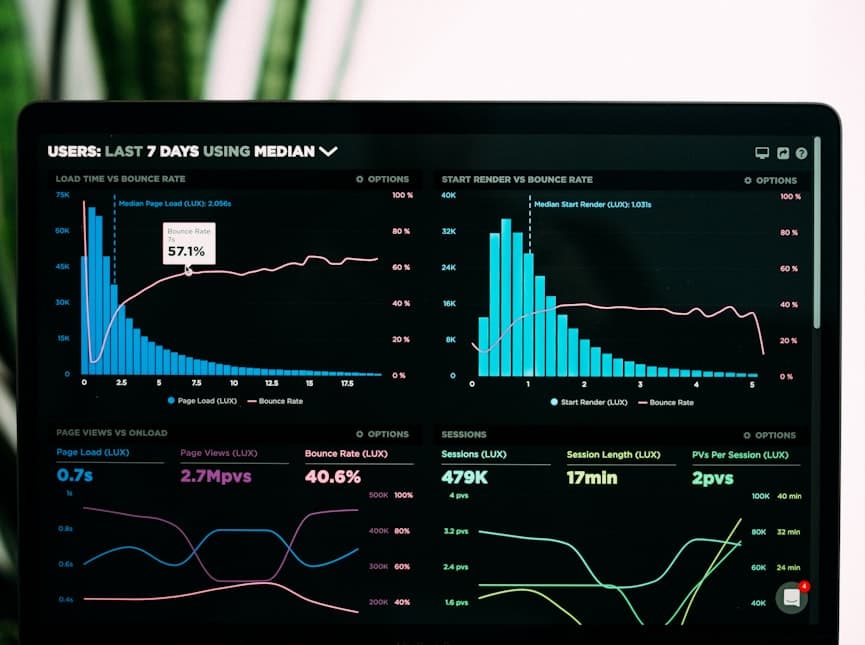
Google's own data: going from 1 to 3 seconds load time increases bounce probability by 32%. At 5 seconds, it's 90%. You're paying for visitors who never see your content.
How to Test Your Site Speed
These tools are free:
- Google PageSpeed Insights - Scores your site 0-100 with specific recommendations
- GTmetrix - Detailed performance analysis with waterfall charts
- WebPageTest - Test from Australian servers for accurate local results
Aim for 90+ on PageSpeed Insights, both mobile and desktop.
Common Speed Problems and How to Fix Them
Unoptimised Images
Images are usually the biggest files on your pages.
- Compress before uploading (Squoosh or TinyPNG work well)
- Use WebP or AVIF instead of JPEG/PNG
- Lazy load off-screen images
- Set correct dimensions to prevent layout shifts
Too Much JavaScript
Heavy frameworks and third-party scripts are a major drag. Strip it back:
- Remove unused JavaScript and CSS
- Defer non-critical scripts
- Code-split so each page only loads what it needs
- Use server-side rendering for faster initial loads
Poor Hosting
Cheap shared hosting means slow server response times. If your customers are in Australia, host on Australian servers. The latency difference is real. Good hosting is the foundation. Don't cheap out on it.
No Caching
Without caching, your server rebuilds every page for every visitor. Set up browser caching, server-side caching, and use a CDN for static assets.
Render-Blocking Resources
CSS and JavaScript files that load before page content delay everything. Move non-critical CSS and JS below the fold. Inline critical CSS for above-the-fold content.
Core Web Vitals Explained
Google measures three things:
- Largest Contentful Paint (LCP) - How fast the main content loads. Aim for under 2.5 seconds.
- First Input Delay (FID) - How fast the page responds when someone clicks. Aim for under 100ms.
- Cumulative Layout Shift (CLS) - How much stuff jumps around while loading. Aim for under 0.1.
How We Handle Performance
We build with Next.js and modern frameworks that ship fast by default. Server-side rendering, automatic image optimisation, and code-splitting are baked into everything we do.
If your current site is dragging, we do performance audits and fix what's broken. We're based in Cleveland, QLD and work with businesses across Australia. Get in touch for a free speed assessment.